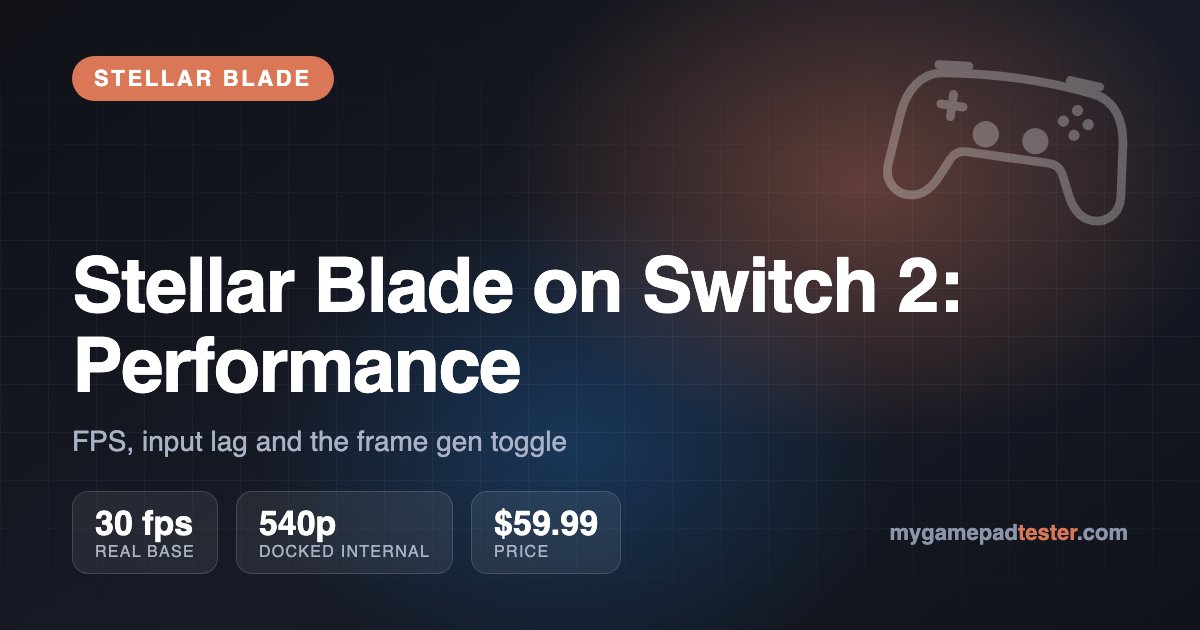
TL;DR: Stellar Blade on Switch 2 runs at a 30 fps base and uses AMD FSR 3.1 frame generation to show 60 fps. It looks smooth, but it still responds like a 30 fps game, and reviewers name the input lag as one of the port's biggest problems. Turn frame gen off for anything harder than Story Mode: you get roughly 35–45 fps with a more direct feel.
Short answer: the Switch 2 port of Stellar Blade hits "60 fps" on paper, but only with frame generation, and that costs it input lag in a game built around parries and perfect dodges. Shift Up's own CTO confirmed the 30 fps base, Digital Foundry's analysis puts docked internal resolution around 540p, and both major reviews we cite say the frame-gen default makes combat feel late. The fix is in the menu: the Switch 2 version shipped with a toggle to turn frame generation off.
Data as of November 2026, launch version of Stellar Blade: Complete Edition on Switch 2 (released November 5, 2026). Shift Up has not published latency figures, and no outlet we could find has measured them in milliseconds, so this guide says "not measured" instead of guessing.
How many FPS does Stellar Blade run at on Switch 2?
It targets 60 fps in both docked and handheld mode, but only 30 of those frames are real. Shift Up CTO DongKi Lee told Nintendo Everything that the game updates at 30 fps, uses Nvidia DLSS to upscale the image, and runs AMD FSR 3.1 frame interpolation on top to reach 60. Lee also said the Switch 2's DLSS has no frame generation of its own, which is why the team brought in FSR 3.1.
Digital Foundry's tech analysis, as summarized by Nintendo Everything on November 7, gives the internal resolutions below. Frame gen is on by default.
| Mode | Frame gen | Internal resolution | Output target | Frame rate |
|---|---|---|---|---|
| Docked | On (default) | ~540p | 1080p | 60 fps output from a 30 fps base; mostly holds 60 in exploration, drops in heavy combat and cutscenes |
| Docked | Off | ~648p | 1080p | ~35–45 fps, unlocked |
| Handheld | On (default) | ~360p | 720p | 60 fps output from a 30 fps base; performance similar to docked |
| Handheld | Off | Not reported separately | 720p | Uneven, but VRR smooths it out in handheld |
The output targets (1080p docked, 720p handheld) come from Lee's interview. The internal numbers come from Digital Foundry. Turning frame gen off frees up GPU time, which is why the docked internal resolution rises from ~540p to ~648p.
How frame generation works in the Switch 2 port
Frame generation, or frame interpolation, builds a fake frame between two real ones. The catch is order: to make the in-between frame, the game must already have the next real frame. So the console holds back each new real frame for a moment before showing it. You see 60 fps of motion, but your button press only reaches the screen at the pace of the 30 fps simulation, plus the extra wait for interpolation.
At 30 fps, one real frame lasts 33.3 ms. At a true 60 fps it lasts 16.7 ms. Frame gen gives you the look of the second number with the feel of the first, and then adds its own delay on top. Wccftech made the same argument before launch, calling the result a "fake 60" that hides real input delay.
Interpolation also needs a decent base frame rate to look clean. At 30 fps the gap between real frames is big, so fast motion like Eve's hair, quick camera pans and particle-heavy boss attacks gives FSR 3.1 more to guess. That is where artifacts show up.
Does Stellar Blade have input lag on Switch 2?
Yes. With frame gen on, it is the most common complaint about the port, and it hits the core of the combat. Stellar Blade's parry and Perfect Dodge depend on timing your input to an enemy's tell. If the game reacts late, you lose the window even when your timing was right.
- Nintendo Everything's review (4/5) calls the game unplayable with frame generation on and says turning it off is practically mandatory unless you play on Story Mode or with Action Assist.
- The Outerhaven's review (4.5/5) lists input lag as a con. It describes a visible delay between pressing block and seeing Eve block on Switch 2, compared with an instant response on PS5, and says you can adapt to it over time.
- Players in the ResetEra thread on the demo were split. Some saw no lag. Others called handheld play very laggy and said docked play on a TV felt more responsive.
The split makes sense. Lag sensitivity varies, and your TV's own processing adds to the chain. If you play docked, put the TV in Game Mode first. Shift Up has not published latency numbers, and we found no millisecond measurement of the Switch 2 version from any outlet, so treat any specific figure you see online with caution.
Your controller is the other link. A wireless pad on a weak connection adds its own delay, which we break down in wired vs Bluetooth controller input lag. To check how much your setup adds, run the input lag test with the same controller you use for Stellar Blade.
Should you turn frame generation off?
For combat, yes. The Switch 2 version shipped with a frame generation toggle. Shift Up added it after feedback on the demo, where frame gen was forced on. With it off, you trade a steady-looking 60 fps for an unlocked ~35–45 fps docked, but the game responds to your inputs directly.
Per the coverage of Digital Foundry's verdict on Nintendo Life, DF considered frame gen a reasonable choice for the hardware, but suggested a 40 fps target would likely feel better than 60 with frame gen. No 40 fps cap has been announced for the Switch 2 version. With frame gen off, handheld is the better place to play: VRR works there and evens out the uneven frame rate, according to Nintendo Everything's DF summary.
When to leave frame gen on:
- You play on Story Mode or with Action Assist, where timing windows matter less.
- You are exploring, not fighting, and want the smoother look.
- You don't notice the delay. Some demo players didn't.
Best settings for Stellar Blade on Switch 2
The defaults are not the best setup. These changes come from the two launch reviews:
| Setting | Default | Change to | Why | Source |
|---|---|---|---|---|
| Frame generation | On | Off for combat | Removes the interpolation delay that hurts parries and dodges | Nintendo Everything |
| Motion blur | On | Off | Combined with frame gen it smears motion. The Outerhaven also recommends turning it off | Nintendo Everything, The Outerhaven |
| Camera shake | Maxed | Lower | Adds to the unpleasant feel with frame gen on | Nintendo Everything |
| Sharpness | 8 | Lower, especially handheld | The default oversharpens the low internal resolution | Nintendo Everything |
| Hair setting | On | Off outside docked play | Causes artifacts around Eve | Nintendo Everything |
| Gamma / brightness | Low | Raise | The default image is too dark | The Outerhaven |
| Chromatic aberration, depth of field | On | Personal choice | On by default. Turn them off for a cleaner image | Nintendo Everything |
Playing on Joy-Con? Stick drift on a parry-and-dodge game is extra painful. Check your sticks with the Joy-Con tester, and see our Switch 2 controller guide if you are choosing between Joy-Con and a Pro Controller.
Image quality: resolution, pop-in and artifacts
Expect a soft image. 540p docked and 360p handheld are low internal resolutions, and DLSS has a lot of work to do getting them to 1080p and 720p. Handheld at 360p looks the muddiest. According to Nintendo Everything's DF summary, the DLSS image is more stable than the PS5 version, and with frame gen off the game looks close to identical to the frame-gen version.
The issues reviewers point out:
- Artifacts around Eve's hair, which is why Nintendo Everything suggests disabling the hair setting outside docked play.
- Pop-in in larger areas, noted by both Digital Foundry and The Outerhaven.
- Low-res textures at some camera angles and muddy textures in places.
- Low-framerate animation on distant enemies, which The Outerhaven describes as a slideshow effect.
- A messy opening: Nintendo Everything says the first sequence struggles to hold its frame rate, and frame pacing problems are more visible on a TV than in handheld.
Stellar Blade Switch 2 vs PS5: what was cut
| Switch 2 | PS5 | |
|---|---|---|
| Environmental detail | Reduced, cut harder in large-scale shots | Full |
| Lighting | Reduced | Full |
| Pop-in | More visible | Less |
| Input response | Delayed with frame gen on | Responsive, per The Outerhaven |
| Image stability | More stable than PS5, per DF | Less stable |
Comparisons per Digital Foundry via Nintendo Everything and The Outerhaven. The Outerhaven says docked play in the best spots comes close to the PS5 version. The cuts show most in big open areas.
For another big-budget port and how it holds up, see our Monster Hunter Wilds on Switch 2 guide.
Is Stellar Blade on Switch 2 worth it?
Yes, if you play with frame gen off or don't own a PS5 or a gaming PC. It is a complete, playable version of the game that you can take on the go, and both reviews below score it highly. If you have a PS5, the PS5 version is the better way to play a combat-heavy action game, mainly because of input response.
| Outlet | Score | Main con |
|---|---|---|
| Nintendo Everything | 4/5 | Input delay with frame gen on; unsteady opening frame rate |
| The Outerhaven | 4.5/5 | Input lag; pop-in and stiff distant animation; load times at boot |
Price: $59.99 for the standard Complete Edition in the US, per Nintendo Life's game listing, and $69.99 for the SteelBook edition at GameStop. According to The Outerhaven, the Complete Edition includes the NieR:Automata and Goddess of Victory: NIKKE collaboration DLC, the Bayonetta collaboration outfits, photo mode and boss challenge mode. It also has a new outfit, Couture Bullet, which The Outerhaven describes as exclusive to this version so far.