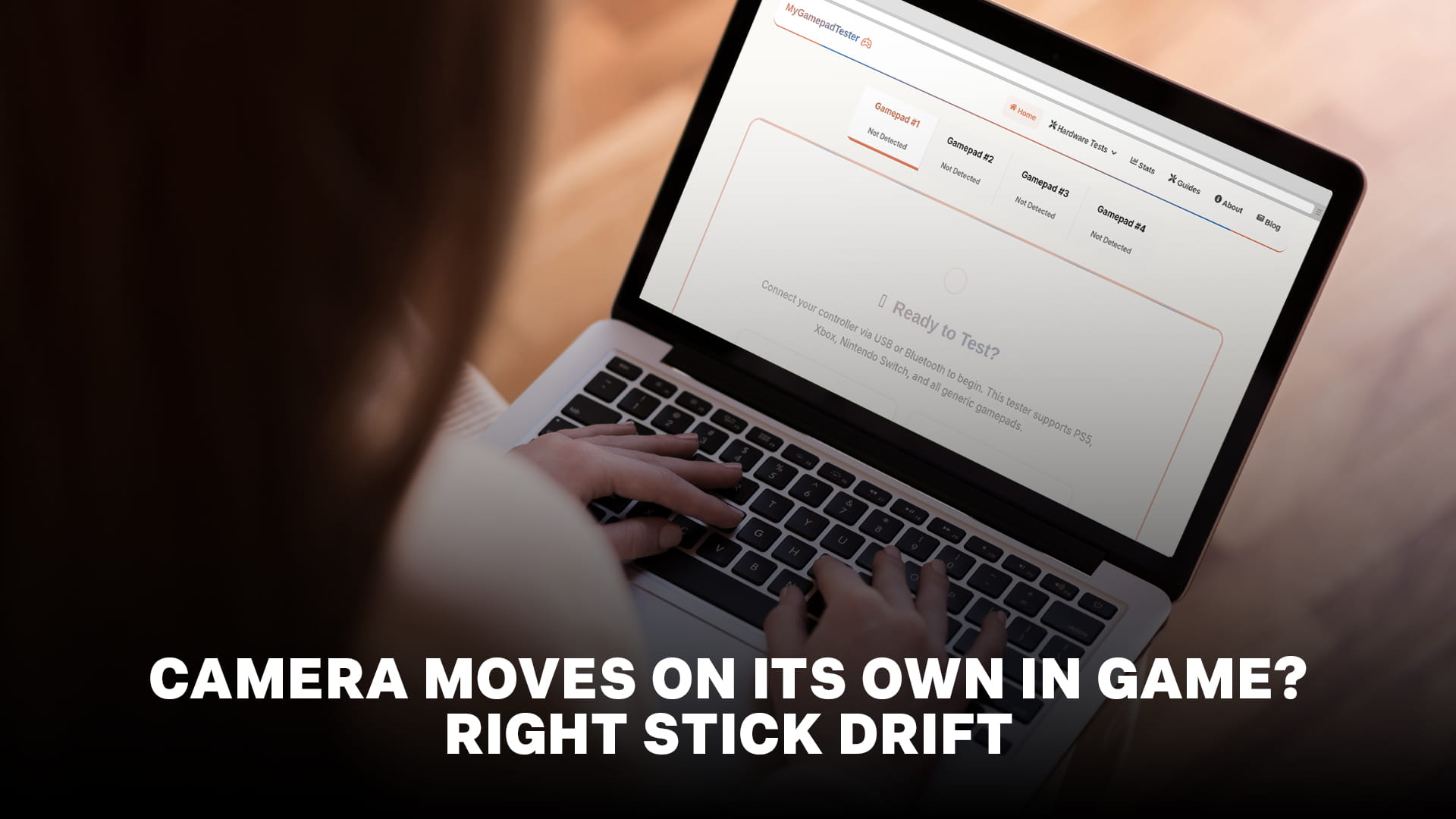
Your character stands still, but the view keeps turning. Your crosshair slides off target the instant you stop correcting it. You lower the controller and the camera slowly spins.
This is almost always right stick drift. The right analog stick controls the camera and aim in nearly every modern game, and it's the stick that fails first on most controllers, for reasons that make sense once you understand what it does.
Here's why it happens to the aiming stick specifically, how to confirm it in about a minute, and what actually fixes it.
Why the right stick drifts before the left
If you've noticed your camera drifting while movement feels perfectly fine, that isn't coincidence. It's the expected wear pattern.
Most controllers use potentiometer sticks: a small contact physically slides across a resistive strip, and its position determines the reading. That contact is touching the strip, so every movement wears both surfaces slightly and sheds fine conductive dust onto the contacts. Once enough wear accumulates, the stick stops reporting a clean zero at rest and instead reports movement that isn't happening.
The right stick accumulates that wear far faster because of how you use it. Aiming is a continuous stream of tiny, precise corrections, hundreds of small adjustments per firefight, and it never really stops while you're playing. Movement on the left stick is coarser and more intermittent: you push a direction, you hold it, you release. Fewer, larger, less frequent inputs.
Shooters make the gap wider still. If most of your playtime is competitive FPS, your right stick may be doing several times the work of your left, which is exactly why so many players report camera drift on a controller whose movement stick still feels new.
There's also a mechanical factor. Fine aiming means resting your thumb on the stick almost constantly and making small deflections near centre, which concentrates wear on the exact part of the resistive strip that determines the resting reading. Wear right where zero is measured is what produces drift.
Confirm it's actually the stick
Before you fix anything, verify the cause, because a few things imitate camera drift and the fixes differ completely.
Connect your controller to a PC, Mac, or phone and open the stick drift test in a browser. Wired is most reliable. Press a button to wake the page, then put the controller down on a flat surface and take your hands off entirely.
Watch the right stick's readout for fifteen seconds. A healthy stick rests at dead centre and stays there. A drifting stick rests off-centre, wanders on its own, or both. Note the number, because a before-and-after reading is the only honest way to tell whether a fix worked rather than whether the controller merely feels better.
Compare the two sticks while you're there. If the right reads noticeably worse than the left, that asymmetry confirms usage-based wear rather than something systemic, and it tells you which module to focus on.
Also push the right stick to its edge and release, checking it snaps back cleanly. A stick that returns slowly or stops short has a mechanical issue, likely debris or a tired centring spring, rather than a sensor one.
What else makes a camera move on its own
If the stick tests clean, the cause is elsewhere. Work through these.
Gyro or motion aiming is enabled. Many games support motion controls, and if they're on, tilting the controller moves the camera. A controller resting at an angle on a couch will pan the view continuously. The tell: the drift responds to physically tilting the controller. Turn gyro off in the game's control settings.
The game's deadzone is too low. Every stick produces a small amount of sensor noise even when healthy. Games ignore it using a deadzone, a zone around centre where input is discarded. If a game's deadzone is set below your stick's noise level, that noise passes through as camera movement. This is the likeliest explanation when the camera drifts in one game and behaves in every other.
Another controller is connected. Consoles accept several controllers at once, and a spare pad switched on elsewhere in the room, with its own drift or something resting on its stick, will move your camera. Turn off every controller except the one in your hands and retest.
Aim assist behaving unexpectedly. Some games' aim assist pulls the reticle toward targets, which can read as the camera moving without your input, particularly at high assist strength. This only happens near enemies, which distinguishes it from drift.
Low battery or interference. A controller running low, or fighting Bluetooth interference on PC, can produce erratic input that mimics drift. Charge it and retest wired before concluding anything.
Fixing right stick drift
Once you've confirmed genuine drift, work in this order.
Raise the deadzone in-game. This is free and immediate. Enlarging the inner deadzone slightly means the game ignores your stick's phantom input entirely. Measure your stick's resting offset first, then set the deadzone just above that figure. Don't overshoot, because every extra point of deadzone removes fine control near centre, which is precisely where aiming lives. Our Apex Legends deadzone guide covers values worth starting from, and the same principle applies across shooters.
Be clear that this hides drift rather than curing it. The wear continues underneath and you'll eventually need to raise the deadzone again, which is your signal to move on to a real fix.
Blow out debris. Contamination causes a genuine share of drift. With the controller off, tilt the stick fully to one side to open the gap at its base and apply short bursts of compressed air while rotating the stick, keeping the can upright. If debris was the cause, this is a permanent fix for the price of a can of air.
Clean the contacts. Use a plastic-safe, quick-drying electronic contact cleaner. Lift the rubber skirt at the stick's base with a toothpick, apply one short spray underneath, work the stick through full circles for thirty seconds, then let it dry ten to fifteen minutes before powering on. Never use regular WD-40, which is a lubricant and makes things permanently worse. This resolves most wear-based drift and typically buys a few months to a year.
Replace the stick module. The permanent cure is swapping in Hall effect or TMR sticks, which sense position magnetically with no contacting parts, so there's nothing to wear. Difficulty varies by controller, from a toolless swap on a DualSense Edge to a soldering job on a standard pad.
Why competitive players notice this first
Worth understanding if you're wondering whether your drift is "bad enough" to matter.
The severity that matters depends entirely on your genre. A slow single-player game applies a generous deadzone and hides mild drift completely. A competitive shooter, where players deliberately run the smallest deadzone their hardware allows to maximise precision near centre, exposes drift that other games would never reveal.
That's why the same controller can feel perfect in one game and unusable in another, and why competitive players tend to detect drift months before casual players on identical hardware. If you play shooters and want to catch wear early, while cleaning still works and a warranty claim is still possible, our micro-drift detection guide covers spotting small offsets before they become obvious.
One related point: if you've raised your deadzone to compensate for drift, your effective sensitivity has changed, because you're now travelling further before input registers. If your aim has felt off since adjusting settings, that's why, and our aim sensitivity converter can help you re-match your settings across games.
Prevention that actually helps
You can't stop potentiometer wear, but you can slow it. Keep the controller somewhere clean rather than on the floor, since debris around the stick base accelerates the problem. Wash your hands before long sessions, because skin oil combined with dust is exactly the residue that fouls contacts. Ease off pressing the stick hard into its outer stops, which wears the strip faster.
And if you play a lot of shooters, consider that gyro aiming, where supported, shifts a meaningful share of fine aiming off the stick entirely. Players who mix gyro into their aiming routinely get far longer life from a right stick than pure-stick players do.
The short version
A camera that moves by itself is almost always right stick drift, and the right stick fails first because aiming demands constant fine movement concentrated near stick centre, which is exactly where the resting reading is measured. Confirm it by testing the controller outside any game and comparing both sticks. Rule out gyro aiming, a too-low deadzone, and a second connected controller first. Then fix it: raise the deadzone for immediate free relief, clean the stick with compressed air and contact cleaner for a real repair, and replace the module with magnetic sticks when you want it to stop for good.
Frequently Asked Questions
Q: Why does my camera move on its own in games?
Q: Why does my right stick drift but not my left?
Q: How do I stop my camera from drifting without buying a new controller?
Q: Is my camera drift a controller problem or a game setting?
Q: Does aim assist cause the camera to move by itself?
Free Online Gamepad Tester
Test your controller for drift, deadzones, and input lag — no download required.
Launch Tester →