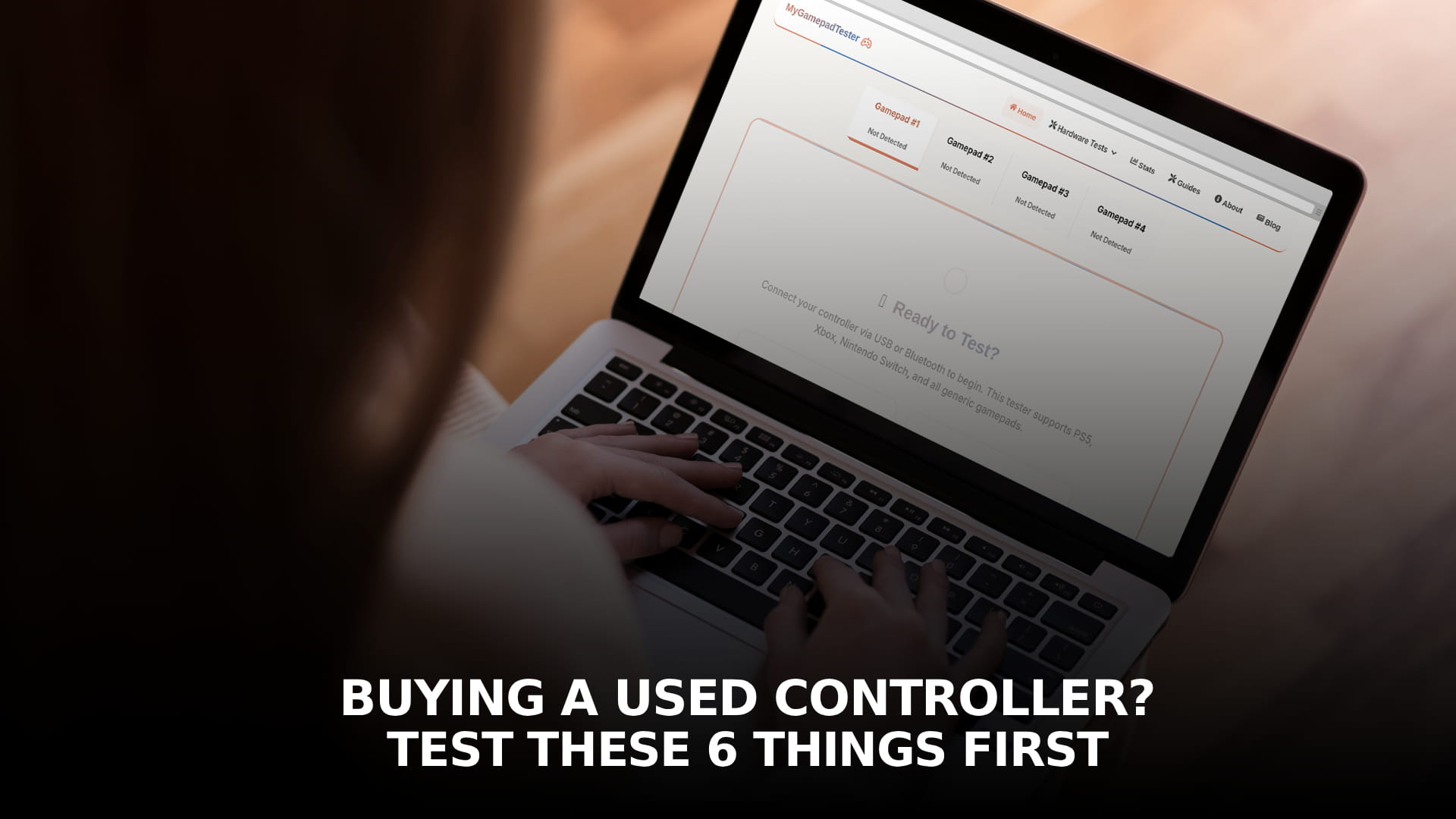
A used controller is one of the better deals in gaming, second-hand DualSense and Xbox pads routinely sell for well under half of retail, and most of them are perfectly fine. The risk is not usually dishonesty. It is that stick drift and other gradual faults develop slowly enough that an owner's hands adapt without them ever consciously noticing, which means a seller can describe their controller as working fine and mean it sincerely, while it fails a test the moment you actually run one.
Ten minutes before you hand over money, or before a return window closes on something shipped to you, catches almost everything that matters. Here is what to check and why each one specifically matters for a used unit rather than a new one.
Before you even connect it: look first
Two things worth checking with your eyes before you plug anything in.
Tamper seals and screws. Most controllers have small stickers or screw heads that show visible damage if the case has been opened. A previously opened controller is not automatically a problem, plenty of people open controllers for a legitimate cleaning or a stick swap, but it does mean any manufacturer warranty is already void, and it is worth asking directly what the opening was for rather than assuming.
Model and port details matching the description. Particularly relevant for older or heavily discounted listings: confirm the model number stamped on the case matches what was advertised, and that ports and buttons look consistent with a genuine unit rather than a clone. This matters most for older PlayStation controllers, where the used market includes a meaningful number of counterfeits built around cheaper, less consistent components.
1. Stick drift and circularity
The single most common fault on a used controller, and the one most likely to have developed without the seller noticing.
Put the controller down, hands off, and run a stick drift test. Both sticks should read at or very close to zero and hold steady. Then sweep each stick around its full outer range and watch the shape it traces: a clean circle is healthy, while a shape pinched at the diagonals means the stick is not reaching full deflection in every direction, a separate issue from drift that affects diagonal movement and turning specifically.
If you find any resting offset, note the exact value before deciding whether it is acceptable. A small, sub-one-percent reading is normal wear that any healthy controller will show. Anything approaching five percent or more is a real, disclosable fault.
2. Every button, watched for a specific pattern
Open a button test and press every single button on the controller, not just the ones you expect to use, at a controlled, even pace rather than mashing.
What you are looking for is not just whether a button lights up, but how consistently it does. A button that fails to register occasionally, particularly on lighter presses, is showing the classic signature of dirt or contamination, which is a minor, cleanable issue. A button that fails to register at all, every single time regardless of pressure, points at a genuine dead contact, which is a repair rather than a clean. Both are worth knowing before you buy, but they are very different problems and worth treating differently in your decision or your negotiation.
3. Triggers, swept slowly through their full travel
Triggers wear differently from buttons and get checked far less often, which makes them worth deliberately testing on a used unit rather than assuming they are fine because the buttons are.
Open a trigger test and pull each trigger from fully released to fully pressed as slowly as you can manage, watching the reported value the entire time. It should climb smoothly with no pauses. A trigger that holds steady for a stretch of travel before continuing to climb has a dead spot at that exact point, caused by wear or contamination on that specific part of the sensor, and it is a fault you will only find by testing the full sweep rather than a quick tap.
4. Vibration, both motors independently
Rumble motors fail quietly on used controllers because most people do not specifically isolate and check each one before buying.
Run a vibration test and trigger the left and right motors separately. They should feel genuinely different from each other, the left producing a lower, heavier rumble and the right a higher, lighter one, since that is the normal design on almost every modern controller. A side that produces nothing at all, or a rattle rather than a smooth vibration, points at a motor that has failed or a weight that has worked loose, most often from a drop.
5. Connection stability, not just whether it connects
A controller that pairs and shows buttons responding is not the same as a controller with a stable connection, and instability is one of the easier faults for a seller to genuinely not notice if they mainly play sitting close to their console.
If you can, test both wired and wireless. Run a polling rate test or an input lag test on each connection and watch for consistency rather than just a single reading, since occasional large spikes in an otherwise reasonable average are the sign of a flaky wireless module or a weakening battery rather than something you would necessarily notice from a quick handshake test.
6. Battery health, on anything wireless
Not something the tests above directly capture, and worth asking about or checking separately if the controller has a rechargeable battery. A controller that held a charge fine for its original owner during light, occasional use can still have meaningfully reduced capacity by the time it changes hands, and battery wear is permanent rather than something a full charge restores. If the listing does not mention how old the unit is or how it was used, ask, since heavy daily charging over a couple of years is a real, common cause of reduced runtime that has nothing to do with anything else being wrong.
What a clean result actually tells you, and what it doesn't
Passing all six checks means the controller has no existing, disclosable fault at the moment you tested it, and gives you a genuine baseline reading for the sticks and triggers specifically that is worth writing down. It does not mean the controller will never develop wear in the future, since ordinary use wears these parts on any controller regardless of how it tested on day one. What you have ruled out is buying something that already had a problem the seller either did not know about or did not mention, which is the actual risk a used purchase carries that a new one does not.
In person versus shipped
If you are buying in person, run this whole checklist on your phone before you hand over payment. Testing on the spot only takes a few minutes and it is the only point in the transaction where you have full leverage to walk away or negotiate. Our guide on testing a controller on Android with no app required covers exactly this scenario, connecting a controller directly to your phone's browser with nothing to install beforehand.
If it is arriving by post, test it the moment it arrives rather than putting it aside, and do this before your marketplace or platform's dispute window closes. Most platforms give you a limited number of days to report a problem, and a controller that sits in a drawer for three weeks before you first plug it in has usually lost you any real recourse if something turns out to be wrong.
Frequently Asked Questions
Q: Is buying a used controller actually risky, or is this overly cautious?
Q: What is the single most important thing to test on a used controller?
Q: Should I avoid a used controller if the tamper seal is broken?
Q: Can I test a used controller without installing anything?
Q: What if a used controller passes every test but develops a fault later?
Free Online Gamepad Tester
Test your controller for drift, deadzones, and input lag — no download required.
Launch Tester →